
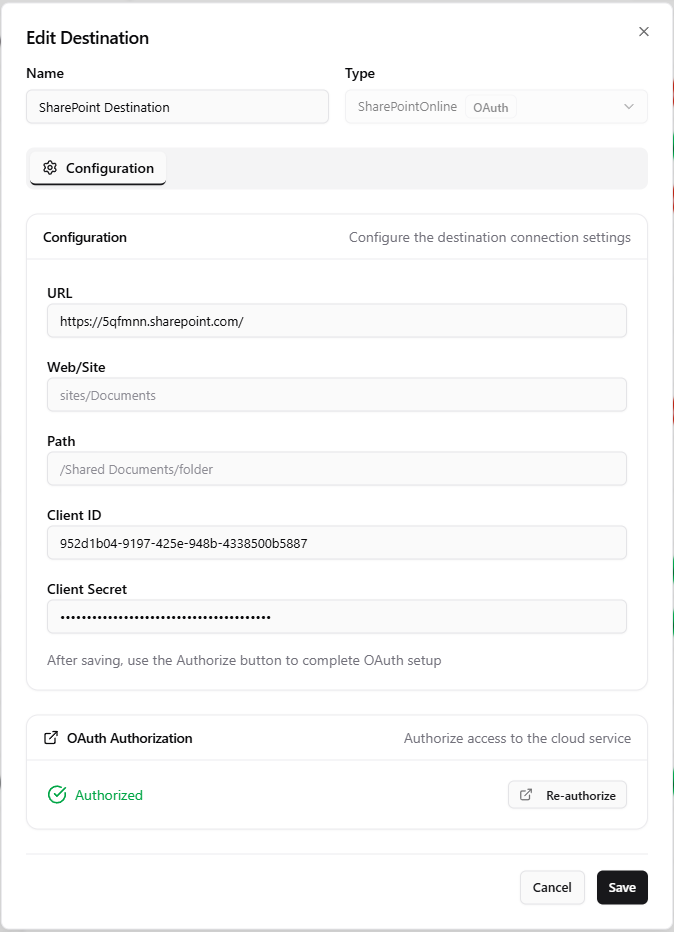
The SharePoint destination uploads scanned documents to an on-premises Microsoft SharePoint Server document library using Windows (NTLM) authentication. For Microsoft 365, use the SharePoint Online destination instead.
How It Works
The SharePoint destination targets an on-premises SharePoint farm (SharePoint 2013, 2016, 2019, or Subscription Edition). It is a delivery-only destination -- it is not browsable from the device panel. OptimiDoc authenticates with the supplied Windows credentials and uploads each output document into the document library and folder identified by URL, Web, and Path. Sub-folders named in the path are created as needed.
For cloud-hosted SharePoint (Microsoft 365), see the SharePoint Online Destination.
Configuration
|
Setting |
Description |
|---|---|
|
URL |
Base URL of the SharePoint server (e.g. |
|
Web |
Server-relative site path (e.g. |
|
Path |
Document library and folder path (e.g. |
|
Login |
Windows user name. |
|
Password |
Windows password. |
|
Domain |
Windows domain used for NTLM authentication. |
Path Structure
The Path follows the SharePoint document-library structure:
-
/Shared Documents-- the root of the "Shared Documents" library. -
/Shared Documents/Invoices/{user}-- a dynamic per-user subfolder. -
Filename placeholders are supported for dynamic folder routing (see Output Options).
Best Practices
-
Use a dedicated service account with Contribute permission on the target document library.
-
Verify the URL + Web + Path combination resolves in a browser before configuring the destination.
-
Use placeholders in the path to organise documents automatically by user, date, or parameter value.
When to Use
Choose the on-premises SharePoint destination only for SharePoint Server installations reachable with Windows authentication. For Microsoft 365 use the OAuth-based SharePoint Online Destination.
Related Articles
-
SharePoint Online Destination -- Microsoft 365 SharePoint
-
Folder Destination -- Network folder delivery
-
Output Options -- Filename patterns resolved at scan time
-
Scan Destinations Overview -- All available destination types