
Navigate to https://console.developers.google.com
-
Log in with your admin account
-
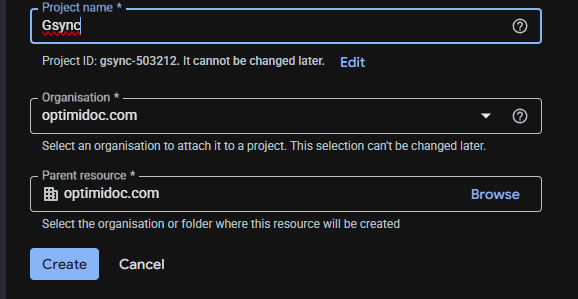
Create a new project ( the name doesn't matter )
-
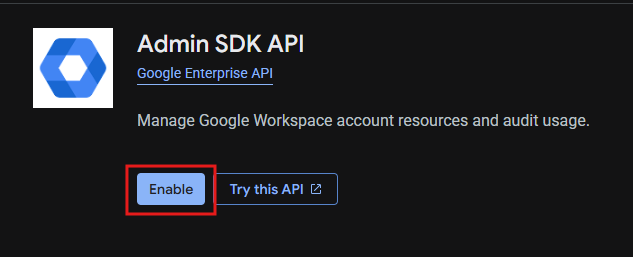
Go to Library and search for Admin SDK and enable it

-
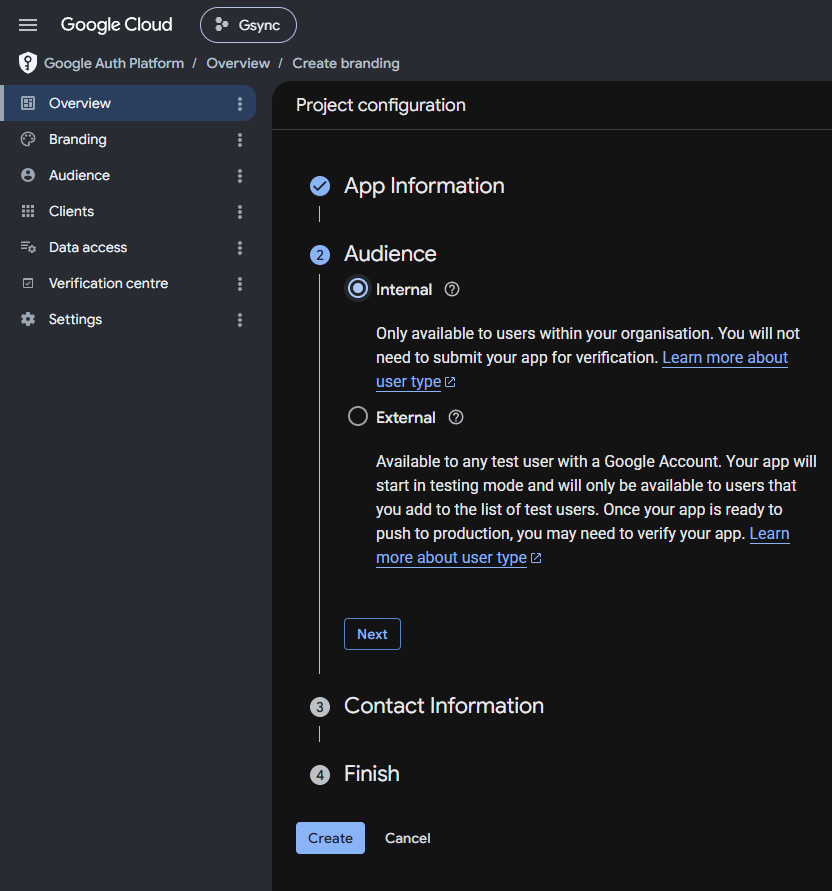
Go to OAuth consent screen section and set it to Internal, enter the name ( will be shown when doing authorization in OptimiDoc )
-
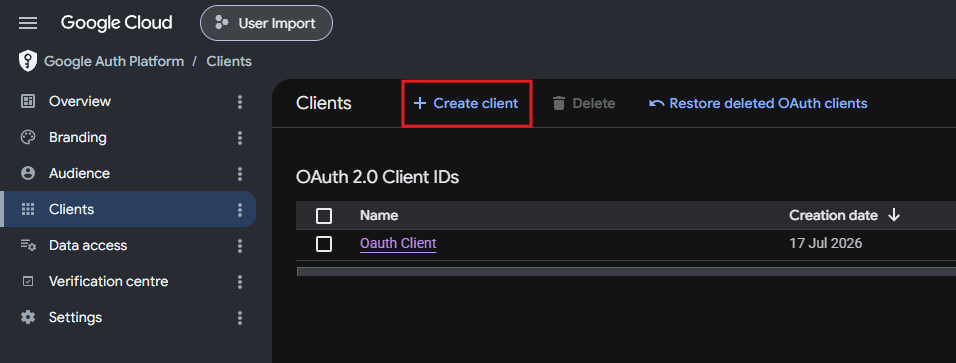
Go to Credentials and create new OAuth 2.0 Client, enter any name you want and add Authorised redirect URIs:
https://oauth.optimidoc.com/ExternalLogin/
https://oauth.optimidoc.com/GDrive/
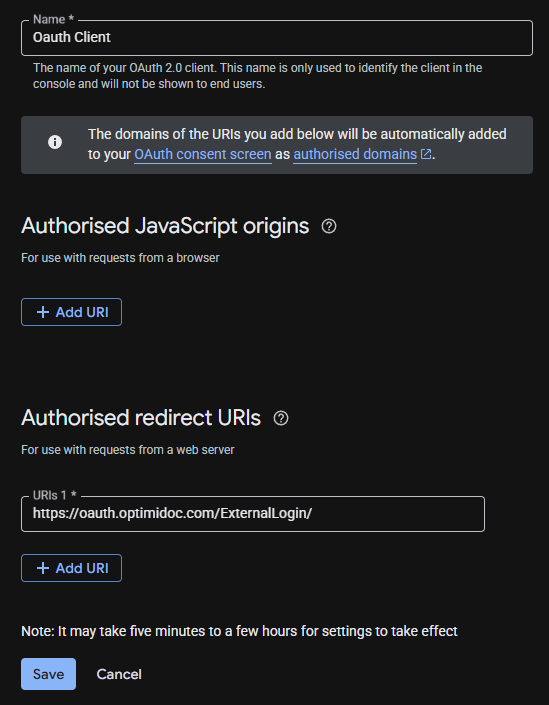
-
Copy generated client ID and secret to OptimiDoc Google Directory import settings.
-
In import settings enter domain and other optional atributes ( such as groups )
-
Click the Unathorized button to authorize the GSuite Directory
-
Once successfully authorized you can click the Synchronize button
It might be necessary to enable API at https://admin.google.com/ in Security -> API permissions